
What The Planner Wants
What The Planner Wants
An event team wants guests to get fast, polished answers without sending every shuttle, dress code, lodging, or activity question to a planner.
The planner still needs to control exceptions: invitation eligibility, VIP issues, vendor bookings, accessibility requests, private data, and anything not in the approved event information.
Better guest service, fewer repeated planner replies, and special requests still reviewed by the event team.
Why Help Is Needed
Why Help Is Needed
Guest concierge work looks simple until the questions become personal. One guest needs shuttle timing; another asks whether they are invited to a private dinner; another wants help arranging a vendor service.
The agent needs to answer from approved event knowledge and collect useful details before escalating anything that requires action.
Guests ask the same questions repeatedly
Schedule, attire, transportation, lodging, and venue questions create constant planner interruptions.
Some answers are guest-specific
Event eligibility, lodging, RSVP status, and accessibility notes may depend on a private guest record.
Requests need context before review
A planner can approve faster when the agent has already collected timing, location, preferences, and urgency.
What The Guest Sees
What The Guest Sees
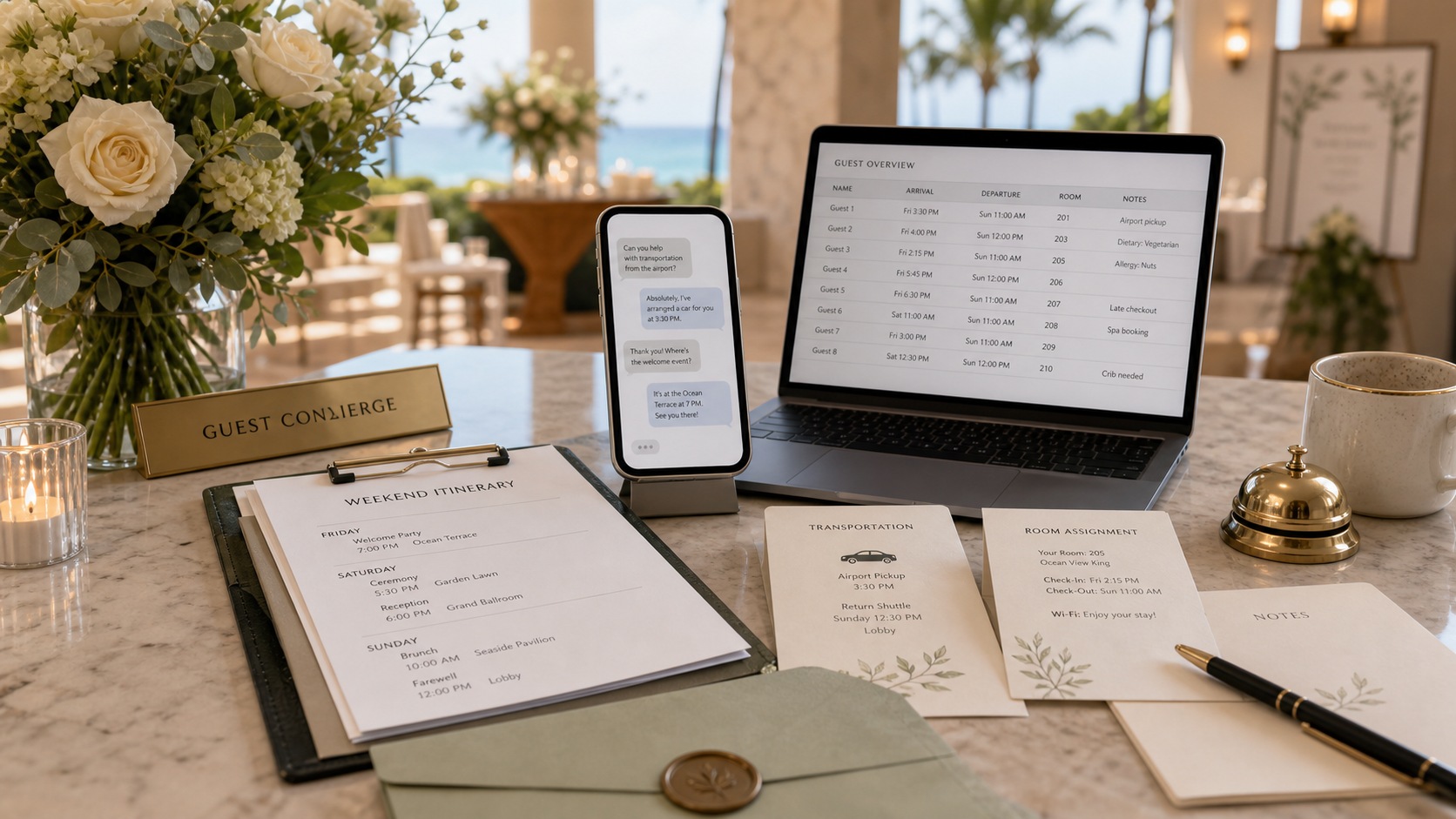
The guest can text or call the concierge with event questions. The agent introduces itself as the AI concierge and answers from the approved itinerary, lodging, transportation, and FAQ data.
When the guest asks for something that needs human approval, the agent collects the details and says it is looping in the planning team.
- 1.
Ask a logistics question
The guest asks about shuttle timing, dress code, address, activities, lodging, or event schedule.
- 2.
Answer from approved data
The agent replies only from guest-shareable information.
- 3.
Check guest context
For invitation or lodging questions, the agent checks the guest record if available.
- 4.
Escalate special requests
Action requests go to the planner with context, urgency, and suggested next step.
What The Agent Needs To Do
What The Agent Needs To Do
The agent needs a guest-shareable event knowledge base, guest context, and a clear escalation policy. It should feel high-touch without guessing or exposing private information.
Answer event FAQs
Use approved event website, schedule, lodging, shuttle, venue, attire, and activity information.
Protect guest privacy
Never share other guests, budgets, vendor contracts, planner notes, or production details.
Package action requests
Collect timing, location, guest count, preferences, urgency, and researched options where appropriate.
Track escalation status
Let the guest ask for updates after the planner has reviewed the request.
What The Planner Gets Back
What The Planner Gets Back
The planner receives fewer basic questions and better special-request packets. Instead of a vague message, the team gets the request, context, urgency, and suggested response.
Guest and request
Guest name, phone, original question, event context used, and conversation history.
Approval need
Why the agent escalated: unknown info, vendor action, VIP concern, accessibility need, or low confidence.
Suggested next step
Draft reply, researched options, action owner, and urgency level.
Status tracking
Open, in review, resolved by planner, or guest notified.
From there, the planner can answer the guest, approve or decline the request, or ask the agent to collect more context.
Why This Matters
Why This Matters
A high-touch event should not make guests wait for basic answers. The agent gives guests quick help while protecting the planner from repetitive logistics work.
The human team still owns the moments where taste, judgment, budget, privacy, or vendor commitments matter.
Less repetitive support
Common logistics questions are answered consistently from approved event information.
Better guest experience
Guests can text or call and get help in the channel that feels natural.
Stronger escalations
Special requests arrive with enough detail for a planner to decide quickly.
How Guest Support Gets Smarter
How Guest Support Gets Smarter
Each event teaches the team which questions guests ask most often, where event information is unclear, and which requests need a faster human response.
The planner can update the FAQ, guest-shareable fields, and escalation rules before the next event.
Repeated questions
Common guest questions reveal gaps in the event website or welcome materials.
Planner resolutions
Human answers to escalations can become approved language for similar future requests.
Status outcomes
Resolved and declined requests teach the agent what to collect before routing to the team.
What It Might Cost
$50-$110/mo
Estimated monthly operating cost
For an event guest concierge, a reasonable demo estimate is about $50-$110 per month during an active event window. That assumes Starter plan usage, SMS and voice questions, event FAQ lookups, and planner escalation tracking.
- Starter plan
- $15/mo
- Estimated usage
- $35-$95/mo
- Approximate total
- $50-$110/mo
Assumptions
- 150-400 guest SMS conversations during the event window
- Light voice usage for guests who prefer calling
- Approved event knowledge and guest-record checks
- Escalation summaries and status follow-up
This is an illustrative estimate, not a pricing guarantee. Actual usage depends on message volume, enabled channels, image generation, voice minutes, and the workflow rules configured for the agent.
Try it
See this agent in action.
The floating Try me button opens a scripted example. Build similar starts from the same workflow-backed demo structure.