
What The User Needs
What The User Needs
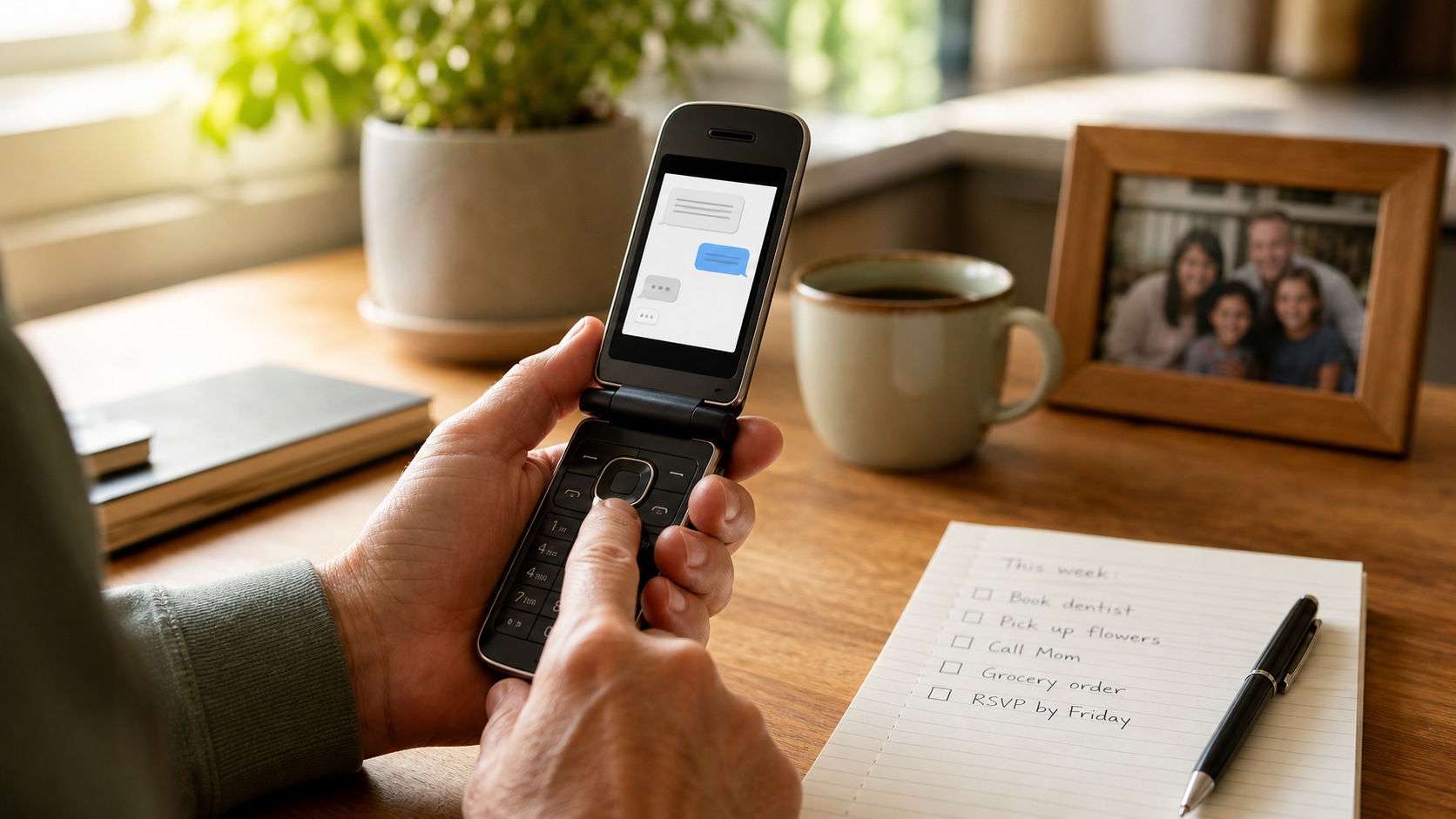
Some people cannot or do not want to use app-based AI tools. They may have a flip phone, a small screen, limited typing patience, or a preference for simple text.
The goal is to make AI useful through plain SMS: reminders, lists, simple Q&A, appointment prep, short summaries, and trusted-contact handoff.
AI help without an app, without a login flow, and with sensitive tasks still routed to trusted humans.
Why Help Is Needed
Why Help Is Needed
Most AI products assume a smartphone, an app, a browser, or a long interface. That excludes people who live comfortably in SMS.
A flip-phone assistant needs a different design language: short replies, one question at a time, numbered choices, confirmations, and clear handoff to a trusted person.
Long answers do not work
Small screens and slow typing make paragraphs, menus, and dense links frustrating.
Important actions need confirmation
Reminders, notes, and messages to contacts should be repeated back before they are set or sent.
Some tasks need a person
Medical, legal, financial, emergency, account, or password requests should go to trusted contacts or emergency services.
What The SMS User Sees
What The SMS User Sees
The user texts a normal number. The agent replies briefly, asks one clarifying question when needed, and confirms before important actions.
The experience should feel like a capable text utility, not an IVR or keyword bot.
- 1.
Text a simple task
The user asks for a reminder, list item, question, appointment prep, or message to a contact.
- 2.
Clarify briefly
The agent asks one question at a time and uses numbered choices when helpful.
- 3.
Confirm the action
The agent repeats key details and asks for YES or a correction.
- 4.
Escalate when needed
Sensitive, urgent, or account-based tasks are handed to a trusted contact.
What The Agent Needs To Do
What The Agent Needs To Do
The agent needs a configurable user profile, trusted contacts, reminders, lists, notes, quiet hours, language preference, and clear escalation rules.
Write for SMS
Keep replies short, avoid markdown, avoid app-like instructions, and ask one question at a time.
Remember small things
Store reminders, lists, simple notes, common locations, and preferences.
Confirm important actions
Repeat reminder times, contact messages, and stored notes before committing them.
Use trusted-contact handoff
Route sensitive, urgent, account-based, or uncertain tasks to a configured person.
What Trusted Contacts Get
What Trusted Contacts Get
Trusted contacts only need to step in when the user asks for a person, the agent is not confident, or the request crosses a sensitive boundary.
Original request
What the user texted, in their words.
Conversation summary
What the agent clarified, what was confirmed, and what is still needed.
Urgency and category
Whether this is a simple favor, stuck task, sensitive issue, or urgent concern.
Suggested reply
A short response the trusted contact can send back or act on.
From there, the trusted contact can reply, call the user, handle the task, or update what the agent should remember.
Why This Matters
Why This Matters
This example shows that the platform can create useful agents for people outside modern app workflows.
The design challenge is not adding more UI. It is making the agent simple enough to work on any phone.
AI reaches more people
Users can get help without a smartphone, app store, or web account.
Lower typing burden
Short replies, numbered choices, and confirmations make SMS practical.
Clear human backup
Trusted contacts remain responsible for sensitive or urgent tasks.
How Text Help Gets Smarter
How Text Help Gets Smarter
The agent improves as it learns the user preferences, common tasks, reminder patterns, and when trusted contacts need to be involved.
The loop should make the experience shorter and easier, not more complex.
Reminder history
Common reminder times and wording reduce repeated clarification.
Trusted-contact feedback
Corrections teach the agent when to escalate and what information to include.
Profile updates
Notes, quiet hours, language preference, and contact rules improve future replies.
What It Might Cost
$20-$45/mo
Estimated monthly operating cost
For an SMS-first helper, a reasonable demo estimate is about $20-$45 per month. That assumes Starter plan usage, modest SMS volume, reminders, list updates, short Q&A, and occasional trusted-contact handoff.
- Starter plan
- $15/mo
- Estimated usage
- $5-$30/mo
- Approximate total
- $20-$45/mo
Assumptions
- One primary SMS user
- Light daily reminders and list updates
- Short text replies rather than long generated content
- Occasional trusted-contact handoff
This is an illustrative estimate, not a pricing guarantee. Actual usage depends on message volume, enabled channels, image generation, voice minutes, and the workflow rules configured for the agent.
Try it
See this agent in action.
The floating Try me button opens a scripted example. Build similar starts from the same workflow-backed demo structure.